What is included in the free trial?+
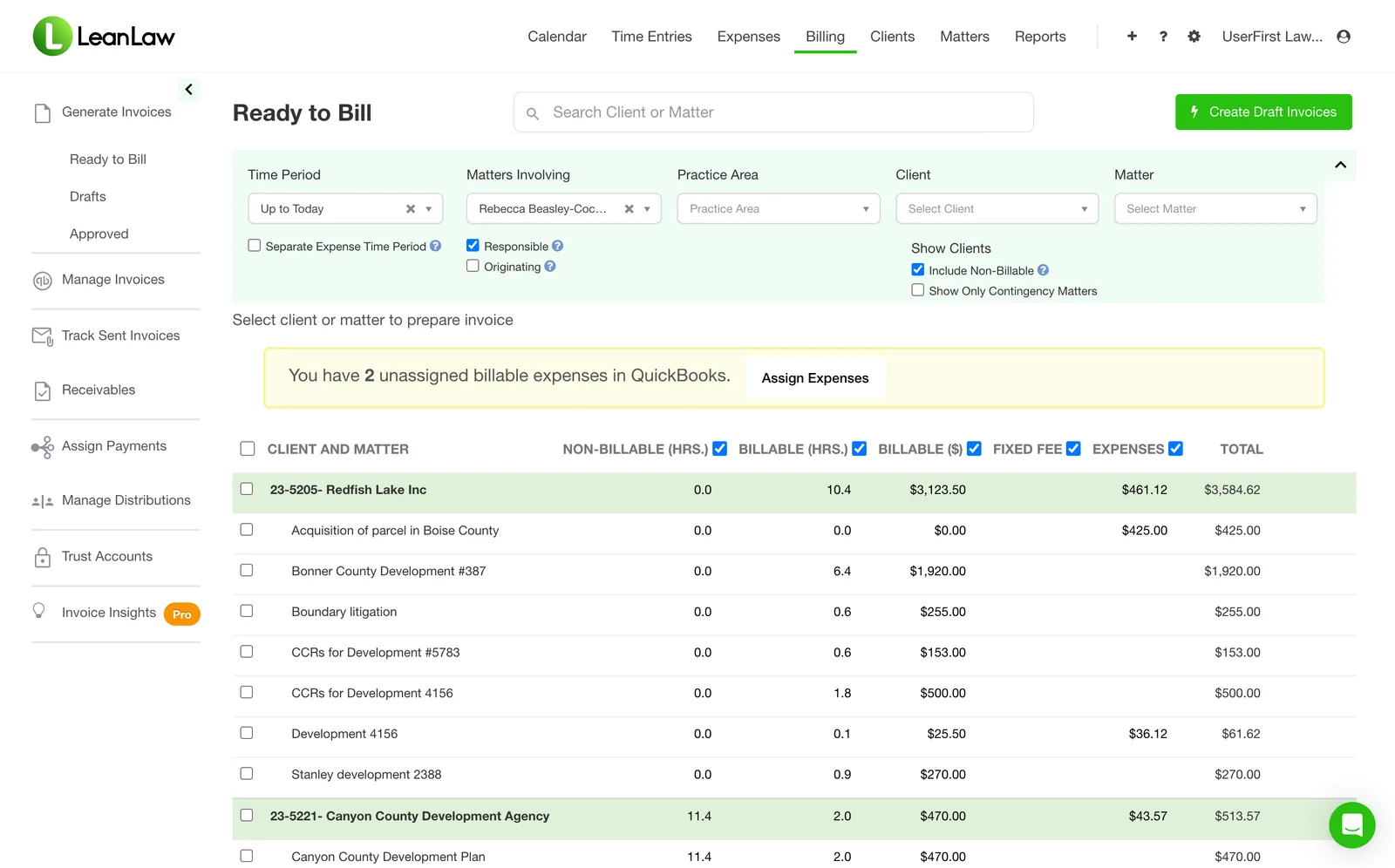
You have 7 days to explore LeanLaw’s billing and financial workflows. No credit card is required. Data migration and QuickStart onboarding begin when your paid subscription starts; they are not included in the free trial.
What should I try first?+
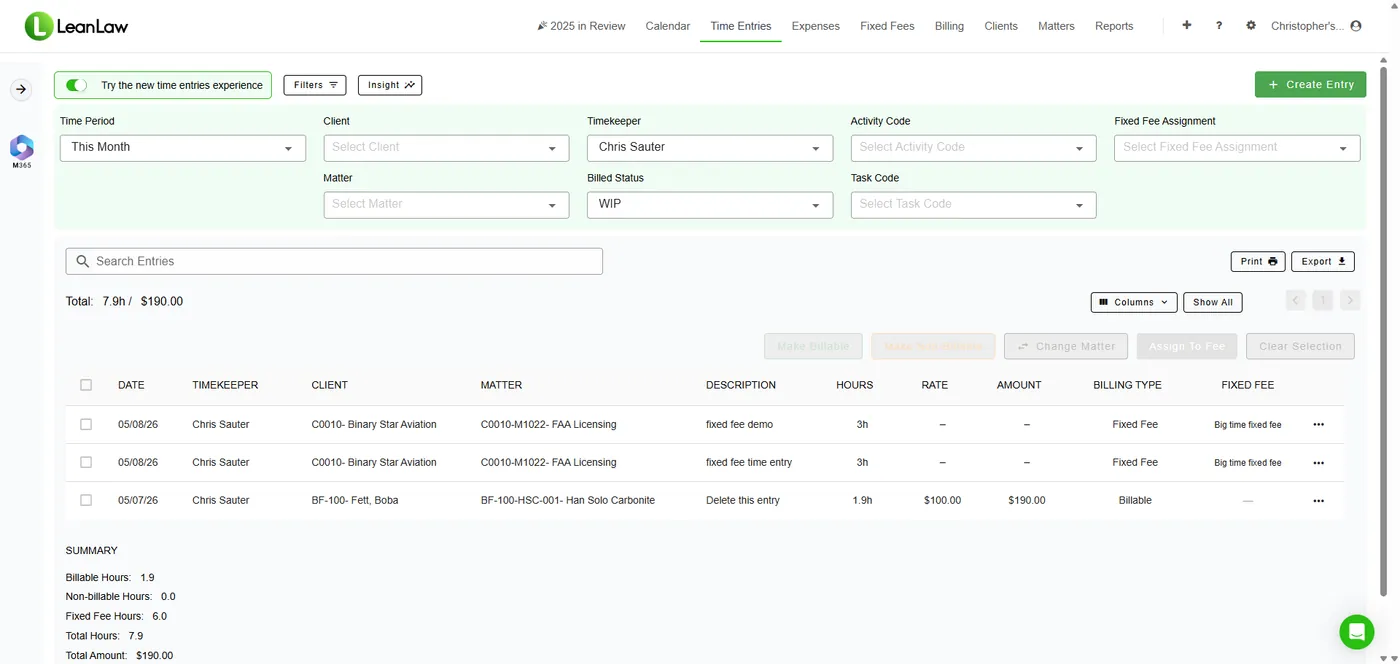
Start with one time entry. Complete your account setup, including your QuickBooks Online connection and billing rate, and select a client and matter. Record work, then check its description, duration, and rate in Time Entries. This gives you a concrete way to evaluate time capture. If you need help planning setup or migration, book a demo before starting your trial.
Do I need QuickBooks Online?+
Yes. LeanLaw is built on QuickBooks Online, and an active QuickBooks Online subscription is required to use the connected billing and accounting workflow. QuickBooks Desktop is not supported. If you need to move to QuickBooks Online, talk with our team about your setup before starting.
How much does LeanLaw cost after the trial?+
Core starts at $55 per user per month. Pro is $75 per user per month, with custom pricing for Elite and Contingency. QuickBooks Online is a separate subscription. See the pricing page for current plan details and payment-processing information.
Can you help us move from our current system?+
Yes. LeanLaw offers migration and QuickStart onboarding once your subscription begins. The team helps plan your transition, connect QuickBooks Online, and train your staff. If you have data to migrate or a complex billing workflow, book a demo to discuss your needs first.
Does LeanLaw support the way our firm bills?+
LeanLaw supports hourly and flat-fee billing, with a dedicated Contingency plan for settlement workflows. Features such as LEDES billing and custom invoice templates depend on your plan. You can explore the product tours or ask our team to walk through your specific requirements.
How is LeanLaw different from Clio?+
Clio is built around case management, with billing and accounting layered on top. LeanLaw is built on QuickBooks Online as the general ledger, so time entries, invoices, payments, and trust activity land in the books your bookkeeper already works in, rather than in a separate system that has to be reconciled back. If your firm runs on QuickBooks Online and wants billing and accounting in one place, that is the difference. QuickBooks Desktop is not supported.
Which law firms are a good fit for LeanLaw?+
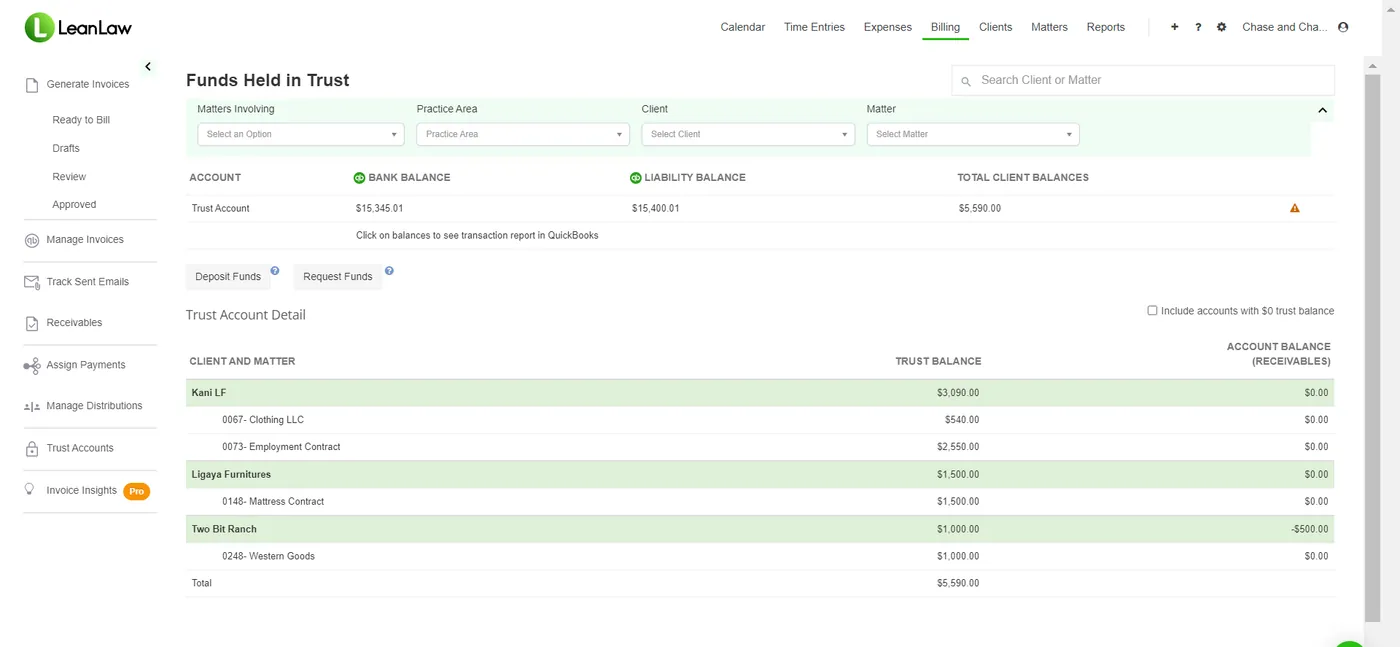
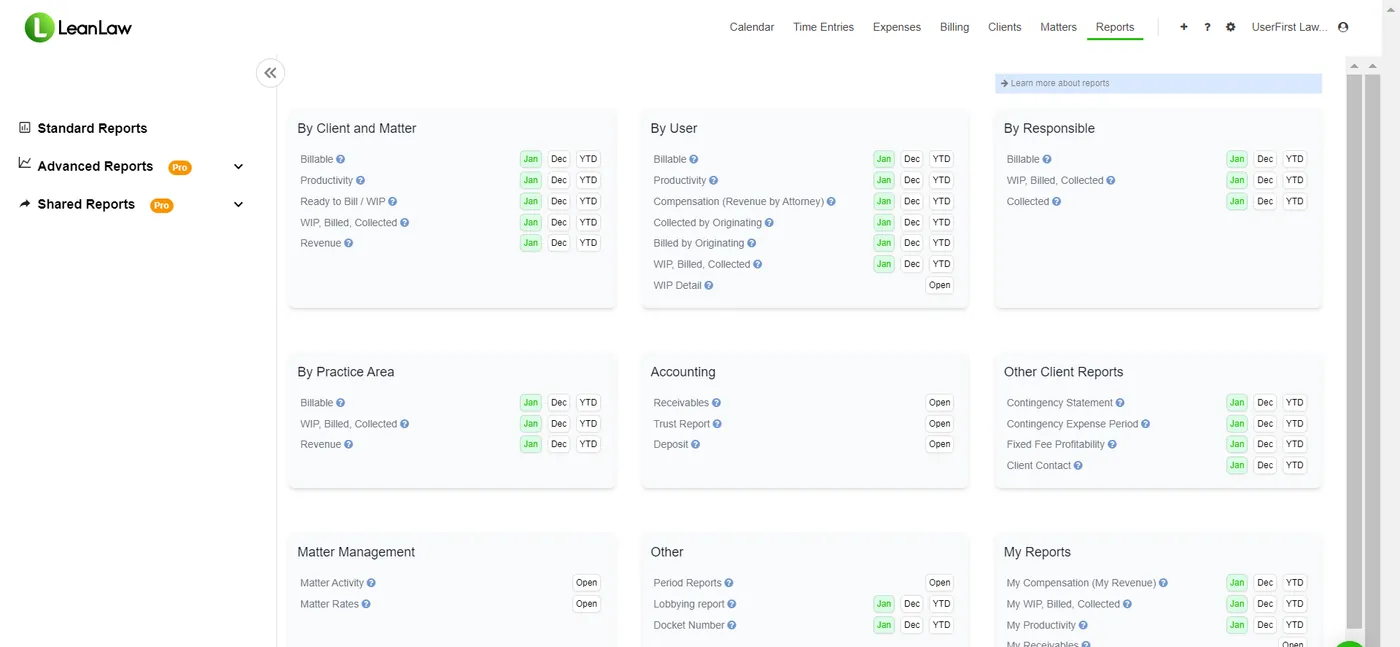
LeanLaw is the financial layer for firms using QuickBooks Online: time tracking, billing, trust accounting, e-payments, and reporting in one connected workflow. It pairs with the practice-management and document-management tools your firm already uses, including Clio, MyCase, and NetDocuments.